
Using Smartphone Apps for Backyard Bird Identification and Tracking

By Robert Hale · Senior Editor
Published January 1, 2026 · Last reviewed May 12, 2026
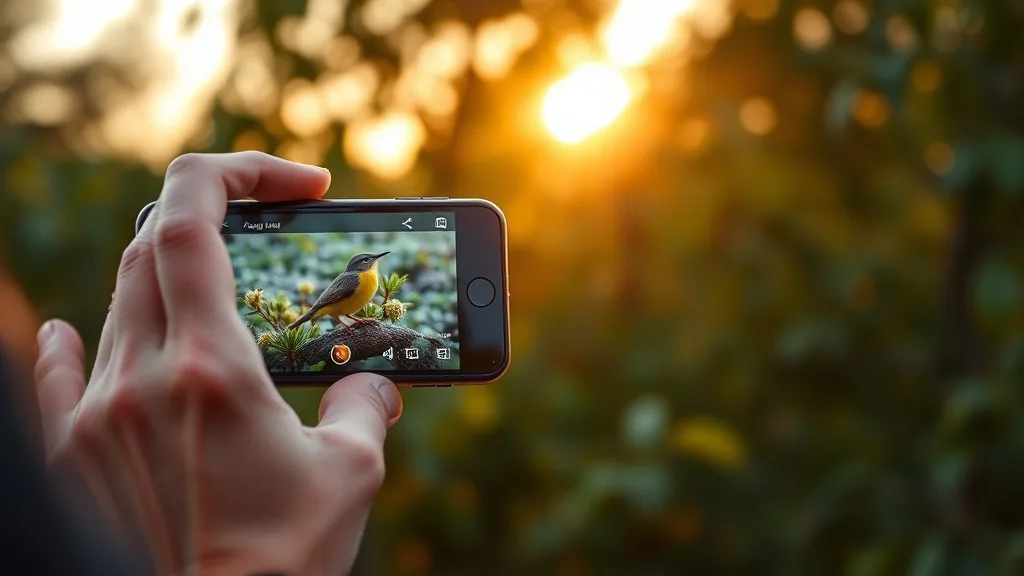
Using Smartphone Apps for Backyard Bird Identification and Tracking
If you’ve ever spotted a bird in your backyard and found yourself scrambling to identify it or track its visits, you’re not alone. For many casual and hobbyist birders, the challenge lies not just in spotting birds but in reliably identifying species and recording sightings over time without cumbersome notebooks or bulky field guides. Fortunately, smartphone apps designed for bird identification and tracking have become essential tools that bridge this gap, allowing you to enhance your backyard birding experience.
This article will walk you through what these apps are, how they work, when and why you should use them, and some common pitfalls to avoid. We’ll also provide a comparison of popular app features relevant to backyard birding, helping you pick the right tool for your needs.
See also: How to Identify Common Backyard Birds by Their Unique Features
What Are Bird Identification and Tracking Apps?
Bird identification and tracking apps are digital tools that leverage your smartphone’s camera, microphone, GPS, and data connectivity to help you recognize bird species and keep a log of your birding activity. These apps usually combine extensive bird databases, image recognition, audio identification, and location-based information to suggest likely species matches and store your sightings for future review.
Unlike traditional bird guidebooks, these apps add interactive and real-time dimensions:
- Identification: You can take photos or record bird calls, and the app suggests species based on visual or audio algorithms.
- Tracking and Logging: The app automatically records the date, time, and location of your sightings, making it easier to monitor bird activity over days, months, or seasons.
- User Contributions: Many apps allow you to share your sightings with a community, contributing to citizen science efforts.
How These Apps Work In Practice
1. Optical Recognition
Some apps use AI-driven image recognition to analyze a photo you take. When you snap a picture of a bird, the app compares it to its database of species images, identifying key features such as coloring, shape, and size. The accuracy depends heavily on image quality, the angle of the bird, lighting conditions, and how well the species is represented in the database.
2. Audio Recognition
For times when the bird is distant or hidden, many apps let you record bird calls. The app then applies pattern recognition against an extensive library of species-specific songs, calls, and alarms. This is particularly useful during dawn or dusk when birds are most vocal but visibility can be challenging.
3. Location and Date Filtering
Apps often use GPS location and time of year to narrow down candidate species, based on known migration patterns and habitat preferences. For example, a hummingbird species common in the southern states in spring may not be a valid choice for a sighting in northern regions during fall.
4. User Inputs and Confirmation
Some apps ask for manual inputs on characteristics like size, behavior, or even preferred habitat to improve suggestions. Experienced birders can confirm or correct identifications, which helps the app “learn” and improve over time.
5. Sighting Logs and Lists
Once a bird is identified, the app adds it to your personal sightings list along with the date, time, and location. You can then track visit frequency, create checklists, or export your data. Some apps integrate with global databases enabling citizen science contributions without extra effort.
When to Use Smartphone Apps for Backyard Birding
Everyday Backyard Birding
For many backyard birders, casual and consistent use of these apps lets you enjoy better identification skills over time. If you have feeders or a bird bath, apps can help track which species visit most often and when.
Low-Light or Challenging Conditions
Even a quality pair of binoculars struggles during dawn, dusk, or dense foliage. Audio recognition features run on your smartphone can be a game changer in these scenarios, alerting you to species you may not see clearly.
Recording Migration or Seasonal Changes
Apps help monitor patterns in your local bird population without extensive manual records. Noticing species that appear only during spring migration or tracking changes in backyard visitors can be rewarding long-term.
Supporting Ethical Birding Practices
Using apps responsibly supports ethical birding—reducing the need to flush birds repeatedly or overuse playback audio. Identification through sound and photos from a distance limits stress on birds and helps you observe without disruption.
Common Pitfalls and How to Avoid Them
Overreliance on AI Identification
While AI is improving, it’s not infallible. Image quality and environmental factors cause misidentifications. Always double-check suggested species against your field knowledge or a physical guide when possible.
Excessive Playback of Bird Calls
Some apps include playback features. Ethical birders should use playback sparingly and never repeatedly at the same location, as this can stress or displace birds from critical feeding or nesting areas.
Poor Lighting and Weather Conditions Affect Accuracy
Smartphone cameras don’t perform well in low light or bad weather. Avoid forcing photos or recordings under these conditions if possible. Early morning or bright daytime hours usually yield the best results.
Data Privacy and GPS Use
Be aware that apps frequently use GPS tracking. If you prefer privacy or want to protect vulnerable nesting sites, check permissions and opt for manual location entry when appropriate.
Comparison Table: Key Features of Bird Identification and Tracking Apps for Backyard Birders
| Feature | Visual ID Accuracy | Audio ID Capability | Offline Usability | Sighting Log & Export | Ethical Use Support | Community Integration |
|---|---|---|---|---|---|---|
| App A (Generic) | Moderate to High | Yes, large library | Limited | Yes, CSV export | Playback warnings | Yes, social sharing |
| App B (Generic) | High with clear photos | No | Yes, full database | Yes, cloud backup | Playback disabled option | No community features |
| App C (Generic) | Moderate | Yes, regional sounds only | Partial (select offline packs) | Yes, with mapping | Best practices highlighted | Yes, active citizen science |
| App D (Generic) | Variable, depends on inputs | Yes, extensive | Limited | Basic logging only | Playback limited | Yes, expert review forums |
Note: “Visual ID Accuracy” depends on user photo quality and species complexity. No app guarantees perfect ID; combined field experience remains essential.
Tips for Getting the Most Out of Bird ID Apps in Your Backyard
- Use Quality Optics First: Before snapping photos, use binoculars or spotting scopes to get a clear view and verify size and shape.
- Take Multiple Photos: If possible, capture birds from different angles, focusing on key identification features like wing patterns or beak shape.
- Record Audio Mindfully: Get close enough to capture bird calls without playback or disturbing the birds.
- Combine App Features: Use visual and audio recognition together to cross-verify species.
- Regularly Update App: Developers constantly improve databases and algorithms.
- Keep Ethical Birding Front and Center: Avoid chasing birds or excessive playback; prioritize observation over collection.
- Keep a Manual Notebook as Backup: Especially useful if you’re in no-service areas or app glitches occur.
Frequently Asked Questions
Q: Can I rely solely on apps for correct bird identification?
A: No single app is foolproof. Use apps as aids alongside binoculars, physical field guides, and personal observation skills.
Q: Are these apps useful in all backyard environments?
A: Yes, but performance varies by habitat, lighting, and local species presence. Apps with audio recognition are especially useful in dense vegetation when birds are hard to see.
Q: How can I avoid disturbing birds while using these apps?
A: Use playback sparingly or not at all, keep a respectful distance, and avoid repeatedly flushing birds or approaching nests.
Using smartphone apps for bird identification and tracking can significantly enrich your backyard birding experience. When paired with good optics, ethical field practices, and patience, they allow hobbyists of all levels to become more confident and engaged observers. Remember, these tools are best used as supplements, not substitutes, for immersive, mindful birding.


